

































































































Key Takeaways
- Organize cables with stylish solutions.
- Use DIY tips for budget-friendly management.
- Explore innovative products for efficiency.
- Create a clean and functional workspace.
In a world where technology is ever-present, the clutter of cables and cords can become overwhelming. Whether you are working from home, gaming, or simply trying to keep your living space organized, figuring out how to manage those pesky cables is critical. Thankfully, there are plenty of creative and practical cable management ideas that can help transform your space into a tidy haven. In this article, we will explore various methods, tools, and tips that will make your cable management journey not only effective but also stylish.
The benefits of effective cable management extend beyond aesthetics; it can also enhance safety by preventing trips and falls, protect your devices from damage, and improve airflow around your electronics. With the right approach, you can find solutions that suit your needs and style. Whether you prefer DIY projects or ready-made products, there is something for everyone.
Let’s dive into some of the best cable management ideas that will help you take control of your space. From clever hacks to stylish solutions, you’ll discover how to keep your cables organized and out of sight.
Understanding the Importance of Cable Management
Before we delve into specific ideas, it’s essential to understand why cable management is crucial. Cables can quickly become tangled, leading to frustration and wasted time as you hunt for the right charger or connection. Furthermore, an untidy array of cords can detract from the overall aesthetic of your space, making it feel chaotic.
Proper cable management not only improves the appearance of your workspace but also enhances functionality. By organizing your cables, you can create a more efficient environment. For instance, when your cables are neatly arranged, it’s much easier to identify which device is connected to which cord, reducing downtime and confusion.
Moreover, safety is a significant concern. Loose cables can pose hazards, particularly in homes with children or pets. Keeping cables organized and secured minimizes the risk of tripping and falling, creating a safer atmosphere for everyone.
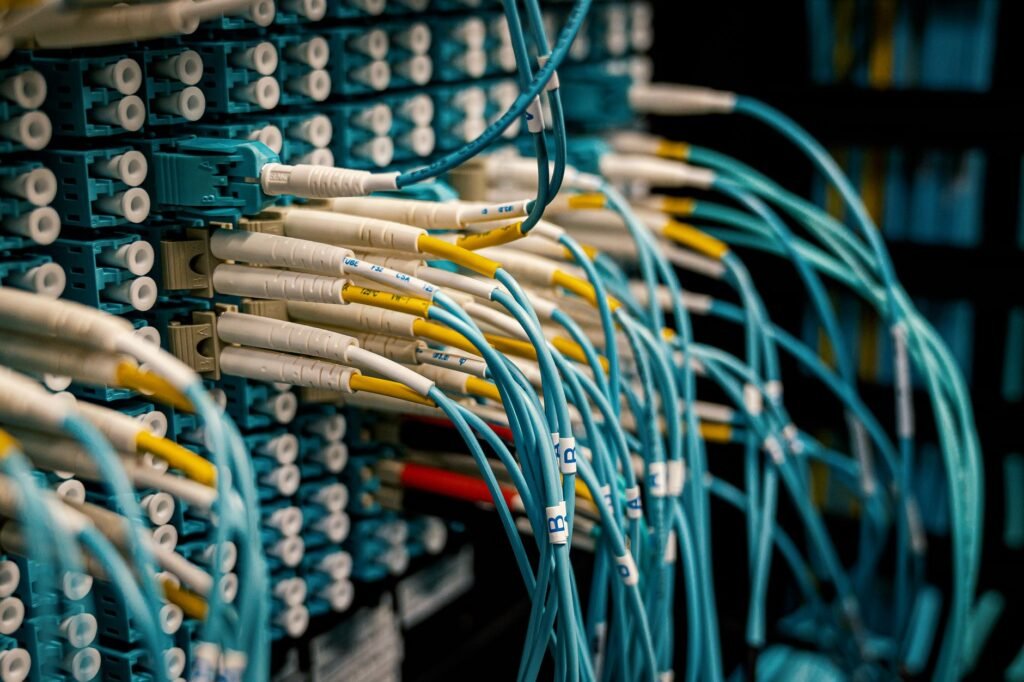
Simple DIY Cable Management Solutions
If you’re looking for budget-friendly cable management solutions, DIY projects can be both fun and effective. Here are some creative ideas you can implement at home:
- Use Binder Clips: These simple office supplies can be a game-changer. Attach binder clips to the edge of your desk and thread cables through them to keep them neatly organized and easily accessible.
- Repurpose Toilet Paper Rolls: Don’t throw away those empty rolls! Cover them with decorative paper, and use them to store and organize cables. This is a great way to keep cords separated and easy to find.
- Velcro Straps: Velcro straps can be a fantastic way to bundle multiple cables together. Simply wrap the straps around the cords to keep them neatly grouped, reducing tangles and clutter.
These DIY solutions are not only cost-effective but also allow for personal creativity while addressing cable chaos.
Investing in Cable Management Products
While DIY solutions are useful, investing in ready-made cable management products can provide additional benefits. Here are some highly effective products to consider:
- Cable Management Boxes: These boxes can hide power strips and excess cable lengths, creating a clean look on your desk or floor.
- Cable Sleeves: These flexible sleeves can wrap around multiple cables, providing a streamlined appearance and preventing tangles.
- Wall-mounted Cable Organizers: These organizers can be attached to walls or under desks, keeping cables off the floor and out of sight.
By investing in these innovative products, you can achieve a more polished and professional look in any space.

Creating a Tidy Workspace
In a home office or workspace, organization is key to productivity. Here are strategies to keep your workspace tidy:
- Designate a Charging Station: Create a specific area for charging devices. Use a stylish tray or drawer to keep chargers and cables contained.
- Label Your Cables: Use labels to identify which cable belongs to which device. This makes it easier to unplug and replug devices without confusion.
- Utilize Cable Management Trays: These trays can be mounted under desks or on walls to keep cables organized and accessible.
By implementing these strategies, you can create a space that not only looks great but also functions efficiently.
Innovative Ideas for Home Entertainment Systems
Home entertainment systems can often become a tangled mess of wires. Here are some innovative cable management ideas specifically for this setup:
- Hide Cables Behind Furniture: Arrange furniture in a way that allows you to run cables behind it. This keeps them out of sight and prevents them from becoming a tripping hazard.
- Use Cable Ties: Secure multiple cables together with cable ties for a neat, organized look. This works particularly well for speaker wires and HDMI cables.
- Opt for Wireless Devices: Whenever possible, choose wireless devices to eliminate the need for cables altogether. Wireless speakers and streaming devices can significantly reduce clutter.
These ideas can help you maintain a clean and enjoyable entertainment environment.
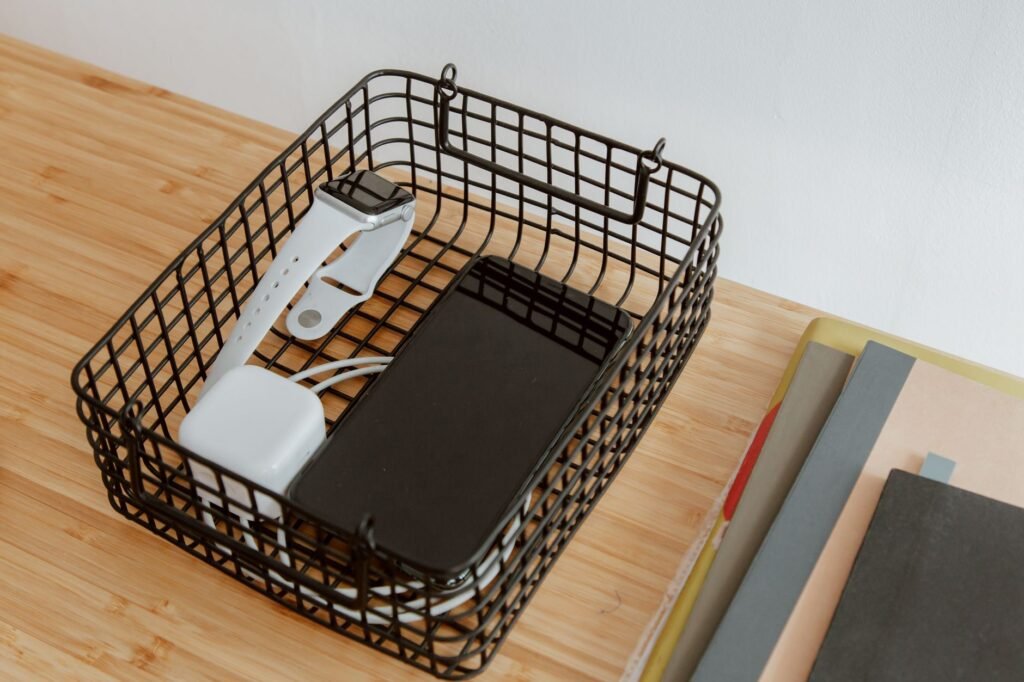
Organizing Cables for Gaming Setups
Gamers often face unique challenges when it comes to cable management. Here are some tailored tips for organizing your gaming setup:
- Under-desk Cable Management: Use cable trays or clips under your desk to keep gaming console cables organized and out of sight.
- Gaming Desk with Built-in Cable Management: Some gaming desks come with integrated cable management solutions, helping to keep everything tidy and organized.
- Color-Coded Cables: Consider using color-coded cables for different devices to make it easier to identify which cable belongs to which system.
These strategies can help create a more immersive gaming experience without the distraction of tangled wires.
Maintaining Cable Organization Over Time
Once you’ve implemented your cable management solutions, maintaining organization is key. Here are some tips to keep your space tidy:
- Routine Checks: Set a reminder to check your cables regularly. This helps catch any tangles or messes before they become overwhelming.
- Update Labels: If you change devices or configurations, remember to update your cable labels accordingly.
- Be Mindful of New Purchases: When adding new devices, consider how their cables will fit into your existing setup and adjust accordingly.
By keeping these tips in mind, you can ensure your space remains organized for the long term.
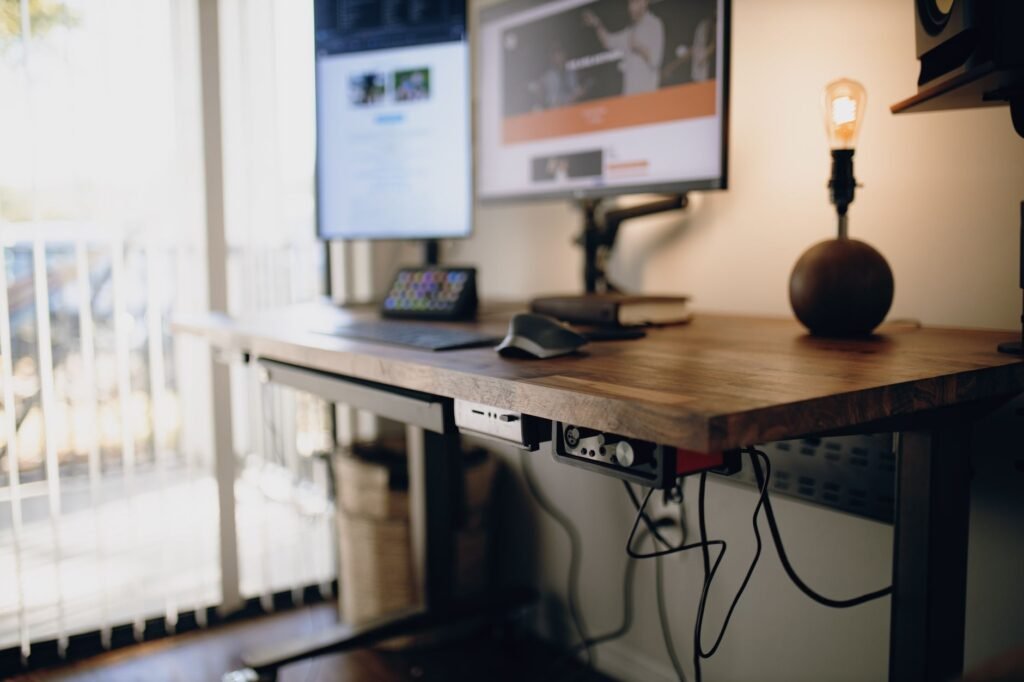
Utilizing Cable Management Accessories
1. Cable Sleeves
Cable sleeves are a versatile solution for managing multiple cables running together. These sleeves can effectively bundle several cords into one neat package, creating a streamlined appearance. They come in various lengths and diameters, making it easy to find one that fits your specific needs. Additionally, many cable sleeves are made from flexible materials that allow for easy adjustments and repositioning.
To install a cable sleeve, simply gather the cables you want to organize, slide them into the sleeve, and secure the end with Velcro or a similar fastening method. Here’s a quick guide to choosing the right cable sleeve:
- Length: Measure the total length of the cables you need to cover.
- Diameter: Ensure the sleeve has enough capacity to accommodate the thickness of your cables.
- Material: Opt for materials that provide durability and flexibility.
2. Cable Clips and Adhesive Hooks
Cable clips and adhesive hooks are small but mighty tools that help keep cables in place. These accessories can be attached to walls, desks, or other surfaces to prevent cables from tangling or falling to the floor. By strategically placing these clips, you can create a visually appealing and functional layout for your cords.
When using cable clips, consider the following:
- Placement: Position clips near power sources or along pathways where cables tend to stray.
- Type: Choose clips that match the thickness and type of your cables.
- Adhesive strength: Ensure the adhesive is strong enough for the surface you are attaching it to.
3. Cable Boxes
Cable boxes are an excellent way to conceal power strips and excess cable lengths. These boxes not only hide unsightly cords but also provide a safe environment by preventing dust accumulation and reducing fire hazards. Many cable boxes come with ventilation holes to keep devices cool while hiding them away.
To maximize the effectiveness of cable boxes, consider the following factors:
- Size: Ensure the box is large enough to accommodate your power strips and cords.
- Design: Choose a design that complements your existing decor.
- Accessibility: Select a box with easy access points for plugging in and unplugging devices.
Creative Solutions for Specific Areas
1. Home Office Organization
In a home office, cable management is crucial to maintaining an efficient and distraction-free workspace. Invest in a cable management tray that can be installed under your desk to hold power strips and excess cables. This keeps everything out of sight while still being easily accessible.
Additionally, consider using desk grommets when running cables through your desktop. These small fittings create a clean entry point for cables, allowing you to organize them neatly without tangles. Here are some tips for home office cable management:
- Label cables for easy identification.
- Keep frequently used cables within reach.
- Use color-coded ties to differentiate between various devices.
2. Living Room Setup
In living rooms, where multiple devices are often connected, cable management can become a daunting task. Use furniture with built-in cable management features, such as entertainment centers that provide rear access for hiding cables. These units often include cutouts for easy cable routing, allowing for a neater appearance.
For additional organization, consider using a decorative basket or bin to hold excess cables and accessories. This not only keeps your space tidy but also adds a touch of style to your decor. Here are some ideas for managing cables in your living room:
- Run cables along the baseboards instead of across the floor.
- Hide cables behind furniture whenever possible.
- Use cable raceways to create a clean, professional look.
3. Bedroom Charging Stations
In bedrooms, charging stations can help keep devices organized and accessible. Use a multi-device charging station with built-in cable management features to keep cords tidy. These stations often come with compartments for each device, ensuring that everything has its place.
To further enhance your bedroom organization, consider wall-mounted charging docks. These allow you to keep devices off surfaces while keeping cords neatly tucked away. Here are practical tips for bedroom cable management:
- Keep chargers for each device in designated spots.
- Use cable ties to bundle charging cables together.
- Ensure all charging cables are easily accessible from your bed.
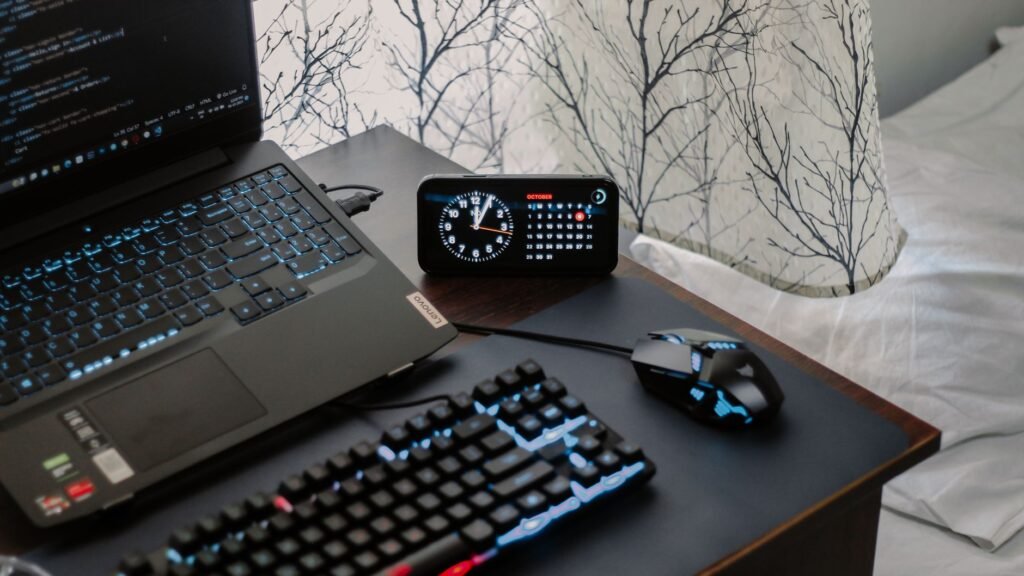
Advanced Cable Management Techniques
1. Color-Coding Systems
Implementing a color-coding system can significantly simplify the process of managing multiple cables. By using colored cable ties or sleeves, you can easily identify which cable belongs to which device. This method is especially useful in environments with numerous cables, such as studios or offices.
Consider the following when setting up a color-coding system:
- Assign specific colors to different types of devices (e.g., blue for audio, green for charging).
- Use permanent markers or labels to mark cables where needed.
- Involve other users in the color-coding process for consistency.
2. Smart Cable Management Solutions
With the rise of smart home technology, consider investing in smart cable management solutions. Some products include smart power strips that can automatically turn devices on or off based on usage. This not only helps with organization but also promotes energy efficiency.
Additionally, smart cable organizers can help track cable usage and maintain organization through apps. Here’s what to consider when looking for smart solutions:
- Compatibility with your existing devices.
- Ease of installation and use.
- Features that enhance organization, such as timers and scheduling options.
3. Under-Desk Solutions
Maximizing under-desk space can lead to better cable organization. Use under-desk cable management racks to keep cords off the floor and out of sight. These racks can often be attached to the underside of your desk and can hold power strips and other cables securely.
In addition, consider using Velcro straps to bundle cables together and keep them from tangling. This method not only enhances aesthetics but also makes it easier to unplug and replug devices as needed. Here are some tips for under-desk cable organization:
- Keep only necessary cables under the desk.
- Use labels on cables for easy identification.
- Regularly check and adjust cable lengths to prevent clutter.
Frequently Asked Questions
What are the best tools for cable management?
Some of the best tools for cable management include cable ties, cable clips, and cable management boxes. These tools can help keep your cables organized and out of sight.
How can I hide cables without damaging walls?
Using adhesive cable clips or cable raceways can help you hide cables along walls without causing damage. These options are easy to install and remove.
Can I use decorative elements for cable management?
Absolutely! Decorative boxes and trays can not only hide cables but also add to the aesthetic of your space. Choose pieces that match your decor for a cohesive look.
How often should I reorganize my cables?
It’s advisable to check and reorganize your cables every few months or whenever you add new devices. Regular maintenance can prevent clutter from building up.
The Bottom Line
Managing cables effectively is essential for maintaining a clean, safe, and efficient living or working space. By exploring various DIY solutions and investing in quality products, you can find the best cable management ideas that suit your style and needs. Take control of your cables today and enjoy a more organized environment.